![tagalys-logo white.png]](https://support.tagalys.com/hs-fs/hubfs/tagalys-logo%20white.png?height=40&name=tagalys-logo%20white.png)
Any changes you make on the product from the eCommerce platform can be synced to Tagalys directly from the Tagalys Dashboard.
The below screenshots are taken from a test Shopify store.
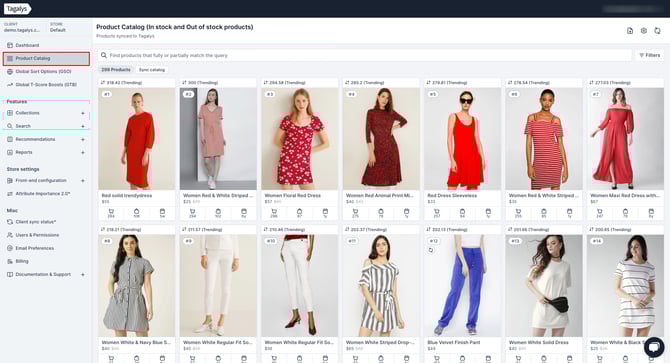
- Login to the Tagalys Dashboard and click on 'Product Catalog' in the left Panel.
- Click on 'Sync catalog'.
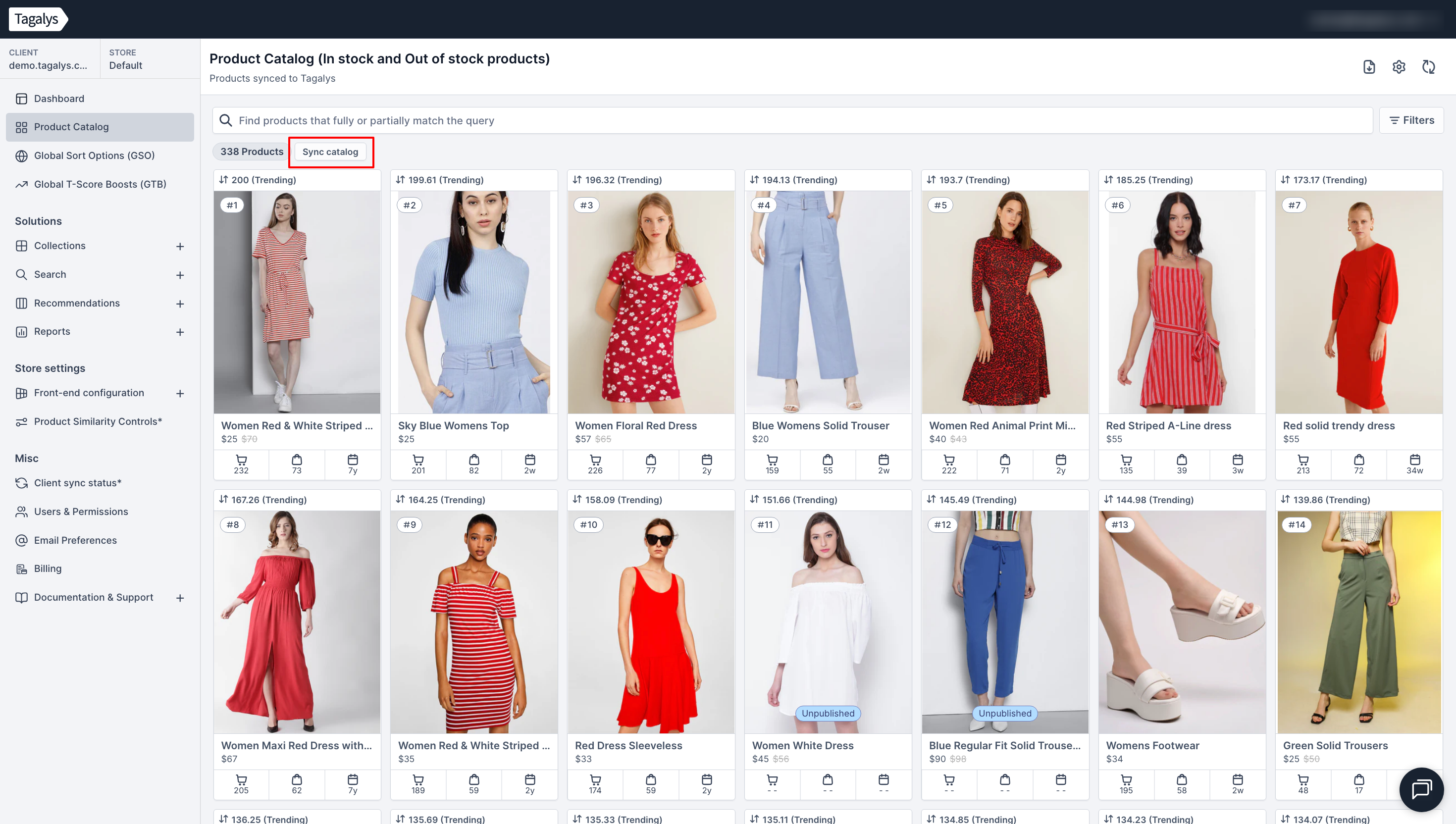
- After triggering full sync, you can monitor the status of the sync in the 'Sync Notifications' dropdown, present on the top right corner of the screen.
